
You opened the weekly screen-time report, and the number stung. Six hours a day? Nine? You don’t even remember what you watched for most of those hours.
You reduce screen time by cutting about an hour a day and holding it, not by quitting your phone.
- The one-hour stepdown, and the experiment behind it
- Why cutting is hard, and why it was never about willpower
- The settings that help today, with real numbers attached
- The deeper pattern, and the methods that reach it
- What a digital detox can and can’t do
- Habits that hold after the first push
Your phone stays. The alarm, the maps, the bank, the group chat that plans every birthday: all of it stays. What goes is the hours you didn’t choose.
How can I reduce screen time? Start with the one-hour stepdown
The method is five steps, and I call it the one-hour stepdown.
- Measure a normal week first. Change nothing yet. Let your phone collect seven days of data.
- Pick your hour. Find the one app and the one stretch of day that soak up the most time you don’t remember choosing. That’s the cut. Leave the rest of the phone alone.
- Make that hour harder to start. App limits, quieter notifications, a less colorful screen. You want enough friction that opening the app becomes a decision again.
- Give the moment a replacement. The reach will still come. Have something ready for it.
- Reread the report weekly and adjust. If the cut held, keep it. If it didn’t, make it smaller until it does.
The hour comes from an experiment run on this exact question. Researchers split 619 people three ways: one group put the smartphone away entirely for a week, one cut daily use by a single hour, one changed nothing (Journal of Experimental Psychology: Applied). Both changes helped: life satisfaction and physical activity rose, symptoms of depression and anxiety eased. The difference showed up later. Four months on, the reduction group was still using the phone 45 minutes less per day, the abstinence group 38, and the reduction group’s gains held more stably. Cutting an hour beat quitting, and it kept beating it after the study ended.
Measure first: read your week before changing it
Your phone already keeps the receipts. Screen Time, the iPhone’s built-in tracker, shows how often you pick up the device, the notifications you receive, and your hours per app and per category, all from Settings (Apple). Digital Wellbeing does the same job on Android, laying out screen time, unlocks, and notification counts in one dashboard (Google). Both are free screen time trackers that ship with the phone, and for week one their digital wellbeing dashboards are all you need.
Pull three things from the report: the total, the top two apps, and the hour of day it piles up. Seven hours doesn’t mean you’re weak. It means seven hours is where the pattern lives, and a few apps in a few repeat situations usually own most of it. The couch after dinner. The minute before sleep. The line at the store, phone out before you’ve decided anything.
The screentime report can’t cut the hour for you, but it can aim the cut.
Why the target is an hour, not zero
Zero sounds cleaner, but the research says otherwise. A two-week trial blocked mobile internet on participants’ phones outright, calls and texts still working, and the block delivered: better well-being, better mental-health scores, and a measured attention gain about the size of reversing ten years of age-related decline (PNAS Nexus). Daily screen time fell from 314 minutes to 161. Then the block lifted and use climbed back to 265, and only 119 of the 467 people who signed up had managed to hold the block at all. Hard rules produce overrides, and big resets produce big rebounds.
An hour you can hold beats a zero you can’t. If an hour still feels far off, cut thirty minutes. The stepdown doesn’t care how big the step is, only that it holds.
What makes one hour hard to cut, though, is the same force that made eleven easy to spend.
Why is cutting screen time so hard?
Reducing screentime is hard because the hours were never decisions. They come from a loop, one unnoticed check at a time.
The habit loop behind autopilot checking
A dull moment, a buzz, the sight of the phone on the table: a cue fires, the check follows, and the check pays out fast. New message. Fresh feed. Something happened somewhere. That cue-check-reward circle is the habit loop, and phones close it faster than anything else you own.
The payout schedule does the rest. Marcantonio Spada, an emeritus professor of addictive behaviors who moved from studying alcohol to studying this, points out that apps reward unpredictably, so “your brain tends to remain in a state of anticipation” (The Guardian). Anticipation is why the phone pulls even when it’s silent. It’s why doomscrolling, the open-ended scroll through a feed that never ends, doesn’t feel like a decision while it’s happening. And it’s why so many people land on the phrase social media addiction when they describe themselves: the pull they’re naming is real, whatever you call it.
Willpower starts too late
Nobody has tested this as a phone-only trial, but Duckworth, Gendler and Gross make the broader case, with supporting evidence they review themselves: impulses grow stronger over time, so strategies that change the situation early may work better than effortful resistance at the moment the urge peaks (Perspectives on Psychological Science). By the time self-control kicks in, the app is usually open.
The checking itself is the stubborn part. A one-week study that logged actual phone data while switching screens to grayscale found daily minutes fell, and the number of daily unlocks didn’t move at all (Mobile Media & Communication). The habit survived the color change. So when your own daily unlocks won’t budge, that isn’t weak impulse control. Checking is automatic, and the way past an automatic habit is to change its setup.
The easiest setup changes are already in your phone’s settings.
Which settings actually cut screen time?
Every setting here is reversible. Turn one on, live with it for a week, and turn it back off if it isn’t working.
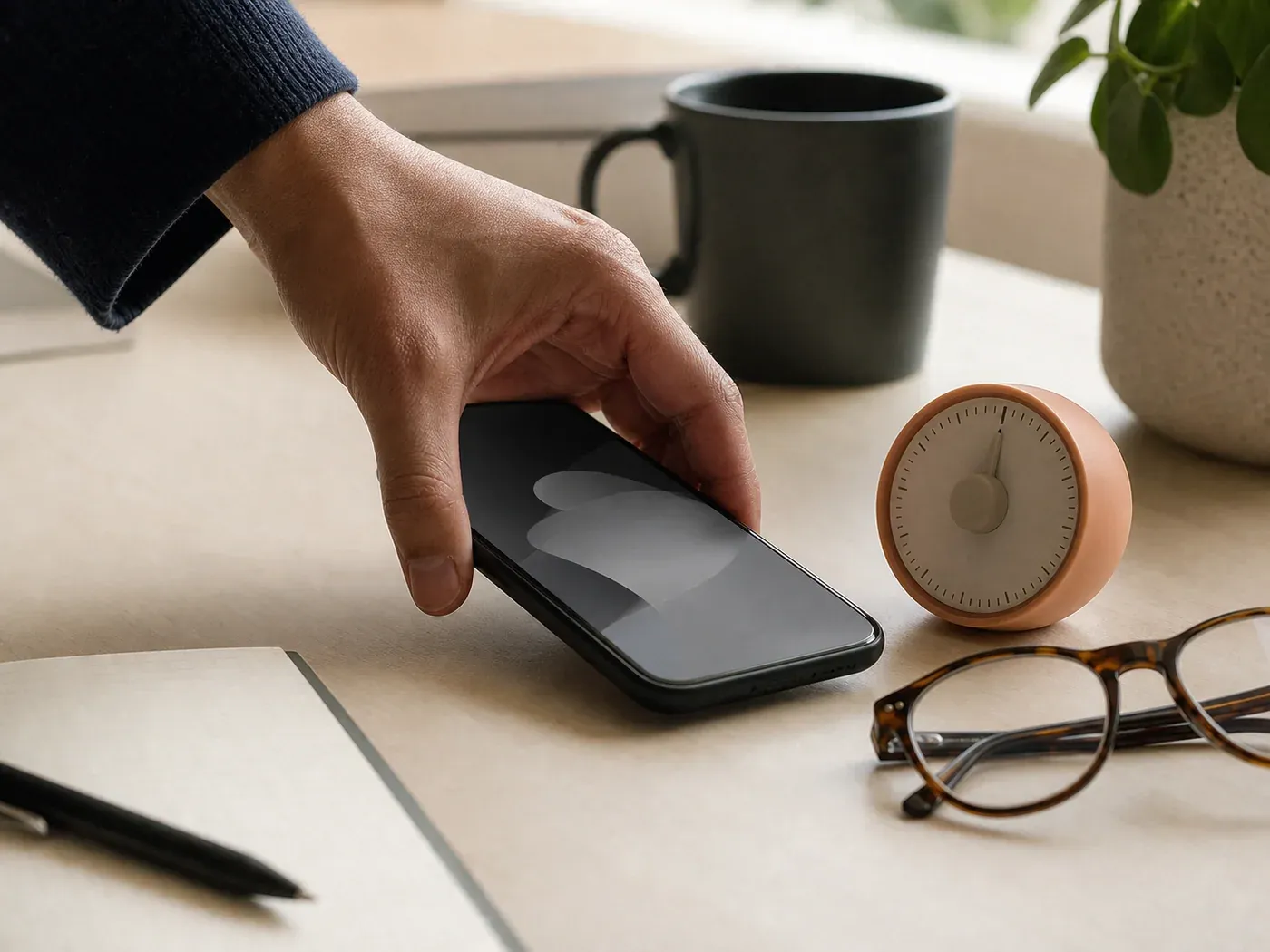
App limits, Do Not Disturb, and batched notifications
App limits put a daily cap on an app or a whole category. On iPhone, App Limits covers single apps or groups like social or games, Downtime sets phone-quiet hours, and Always Allowed keeps the apps you can’t live without exempt (Apple). On Android, a timer closes the app and dims its icon when the day’s allowance runs out (Google). Limits are speed bumps. You can drive over them, and you will. Set them anyway, and notice which limit you drive over most, since that’s where the pattern is strongest.
Interruptions have their own dials. Do Not Disturb and Focus mode silence alerts on a schedule, and newer phones add variants like Reduce Interruptions that hold back everything except what matters right now.
The strongest evidence, though, belongs to batching notifications: collecting alerts and letting them land a few times a day instead of on arrival. In a randomized field experiment, people whose notifications arrived three times daily, at 9am, 3pm, and 9pm, felt happier, more productive, and less stressed than people getting them as they came, and they unlocked their phones less (Fitz et al., Computers in Human Behavior). The same experiment killed the obvious alternative: people who got no notifications at all felt more anxious than the control group and kept checking anyway (Prosocial Design Network). A predictable rhythm beat both extremes. Keep calls and the people who matter on the exempt list, and batch the rest.
Grayscale and other friction moves
Grayscale mode strips the color from your screen, and color is more of a pull than it seems. Two trials put numbers on it. In a crossover study, 51 medical students spent a week in grayscale and a week in full color, and their own screen-time reports came back 28 minutes/day less in the gray week (Frontiers in Digital Health). The one-week trial that logged real phone data found grayscale shaved about 20 minutes off the day, with less stress, less sense of overuse, and unlocks unchanged (Mobile Media & Communication). Grayscale buys you minutes while the checking habit carries on underneath, and it costs nothing to try. Android’s Bedtime mode will even turn the screen black and white on a schedule (Google), which is the version I’d start with: full color at noon, gray after ten.
The bedroom is the other easy win. NIH’s MedlinePlus advises screens off at least an hour before bed and charging the device outside the bedroom (MedlinePlus Magazine), and Spada keeps his phone a couple of meters from the bed on the reasoning that anything important enough will ring (The Guardian). A $10 alarm clock covers the one job the phone was doing in there. If moving it out entirely feels drastic, across the room still counts.
Settings trim the hour at its edges. The pattern underneath them is what people mean when they search for how to stop a phone addiction.
How do you stop a phone addiction?
The goal is control, not abstinence. Needing your phone was never the problem. The problem is the sessions you never chose to start.
The methods sort into four families, and each fails somewhere specific:
| Method | What it does | Where it tends to fail |
|---|---|---|
| Settings and limits | Add friction and quiet by default | You hold the key; a limit is a few taps from gone |
| App blockers | Lock chosen apps behind harder walls for set windows | The day you need the phone for something real, the wall comes down and often stays down |
| Replacement habits | Give the reach somewhere else to land | Slow to build, and empty-handed in week one |
| Real-time coaching | Put a question inside the reach itself | Young mechanism, and it works only as honestly as you answer |
The full method, in order, is in the guide to how to stop phone addiction: name your triggers, redesign the environment, add friction, reduce gradually, build the replacement. Before any of it, borrow the one question motivational interviewing is built on, the counseling style that works from your own reasons for change instead of arguing you into someone else’s:
What do you want the time back for?
Concrete answers hold. “To read a book a month.” “To be at dinner while it happens.” Vague ones evaporate by Thursday.
Environment design beats impulse control
Screen-free zones and times are exactly what they sound like: places and hours where the phone isn’t an option, so no willpower gets spent. MedlinePlus points at bedrooms, kitchens, and mealtimes (MedlinePlus Magazine). Start with one zone, and pick the one you’ll miss least. The dinner table is a good first choice: a phone-free dinner is only twenty minutes.
When it feels heavier than a habit
Sometimes the checking is running on something bigger than boredom: anxiety underneath it, sleep wrecked by it, work and relationships bending around it. The steps on this page are attention tools, not care for your mental health, and a doctor or therapist is the right move when the feeling underneath the reach is the real problem. Going to one about phone use is not an overreaction.
If it’s a habit rather than something heavier, tools can help. The next question is which one.
What are the best apps to limit phone use?
Start with the two free ones already installed: Screen Time on iPhone, Digital Wellbeing on Android. Reach for a third-party app only once you know where your own limits give way.
The built-ins share one structural weakness: they’re self-overridable. You set the rule, and you hold the key, and at 11pm the person holding the key wants the feed. The full comparison of best apps to limit phone use sorts the leading tools by failure mode, the specific way your rules break, which matters more than any feature list.
What blockers and trackers actually do
App blockers are the harder wall: they lock chosen apps for windows you set in advance, some with locks you can’t lift in the moment. Trackers and dashboards measure and display. Blockers restrict. The right match depends on how your limits break. If you override limits at night, you want a lock with a delay. If you look up at 11pm wondering where the evening went, you want the pattern made visible earlier. If you keep uninstalling whatever restricts you, a wall isn’t your answer at all.
Real-time coaching, and why I built one
I built Memento Mode because every blocker I tried ended up overridden or uninstalled. The mechanism is different: when you open an app you’ve flagged, a coach appears and asks what you’re looking for. A real need gets a timed window and no lecture. An autopilot reach gets its reason said back to you, boredom or stress or avoidance, along with the replacement you picked out earlier. You choose the apps it watches, how firm it is (Balanced or Firm), and when it’s on duty. A built-in fallback keeps the pause working offline.
Blockers, built-ins, and coaching all have a place. Pick whichever one matches how your limits break, mine or not.
That leaves the tool everyone eventually recommends: the digital detox.
Does a digital detox work?
A digital detox is a planned break from some kind of digital use. That can mean a weekend off social feeds or two weeks without mobile internet. A detox can help, on some outcomes, for some people. The effects fade without maintenance habits once the break ends.
The outcomes it reliably helps make a short list. A 2024 systematic review in Narra J combined 10 studies and found detox helped depression, a standardized mean difference of -0.29, with no reliable pooled effect on well-being, life satisfaction, or stress (Ramadhan et al.).
Why resets fade without a maintenance plan
The strongest single trial, the two-week mobile-internet block, improved attention and mood while it lasted, and then use rebounded most of the way once the block lifted (PNAS Nexus). Put that beside the 619-person result, where the modest cut outlasted the full break, and both studies point the same way: the reset fades, the cut holds.
The full read of the studies, including what a useful break looks like, is in whether a digital detox works. A reset can show you what quieter feels like. It can’t keep you there.
Whatever a break gives you, you come back to the same phone and the same evenings. Keeping the gains comes down to habits.
How do you build phone habits that stick?
Cutting the hour doesn’t cut the urge behind it. You’ll still want to reach for something on the couch after dinner, and if nothing else is in arm’s reach, it’ll be the phone. What you put in that gap decides whether the stepdown holds.

Replacement: give the moment somewhere to go
A replacement behavior is the thing you reach for instead, and it has to be as reachable as the phone was: the book already on the nightstand, the puzzle already on the table, the shoes already by the door. Intentional phone use is the other half: open the phone for the thing you unlocked it for, do that thing, and get out. The tool stays. The autopilot session never starts.
MedlinePlus puts replacement at the center of its advice, with reading, sports, and creative hobbies filling the space screens held (MedlinePlus Magazine). Psychotherapist Hilda Burke built her own phone-free time the same gradual way, starting with a dog walk without the phone and growing from there (The Guardian). Start with one moment. The more replacements you have ready, the more often the reach finds one.
What failed and what changed: one founder’s numbers
My average was seven hours a day. The worst days ran to eleven. I overrode or uninstalled every blocker I installed, every single one, and each round ended the same way: a stricter rule, a better reason to break it, and a little more evidence that I was the problem.
What changed wasn’t a rule. It was a question, asked at the exact moment of the reach:
Why am I reaching for this, right now?
Boredom. Avoidance. A hard email I didn’t want to write. Naming the reason was often enough to break the reach on its own. The whole account, including the parts that didn’t work, is in my phone addiction story, in case it matches yours.
You’ll still pick up your phone plenty. The difference is that you’ll have meant to. Tonight, notice one reach before it lands.
FAQ
Is 7 hours of screen time a lot?
There’s no official cutoff for adults, and NIH’s MedlinePlus frames the better question as how the time is used, not the raw hours (MedlinePlus Magazine). Seven hours that include your job, your maps, and a movie is a different day than seven hours of feed. The number worth watching is the slice you didn’t choose.
Is 2 hours of phone screen time realistic?
For some lives, yes. For many, no, and that’s fine. Participants entering the mobile-internet trial averaged 314 minutes a day, over five hours (PNAS Nexus). An hour cut from where you are beats a target imported from someone else’s life.
How much should I cut per day?
About an hour, held, is the best-evidenced target: in the 619-person experiment, that cut produced benefits that were still visible four months later (Journal of Experimental Psychology: Applied). Start at thirty minutes if an hour feels steep.
How do I reduce screen time on iPhone or Android?
iPhone: Settings, then Screen Time, turn on App & Website Activity, then set App Limits and Downtime (Apple). Android: Settings, then Digital Wellbeing & parental controls, set app timers, and schedule Bedtime mode (Google). Ten minutes of setup puts the friction in place before you sit down tonight.
- The target: cut about one hour a day and hold it. The one-hour stepdown: measure a week, pick your hour, add friction, plant a replacement, reread weekly.
- The evidence for the hour: 619-person experiment; the one-hour cut outlasted the week of abstinence, 45 minutes still off at four months.
- Willpower isn’t the lever. Change the situation early: app limits, batched notifications (9am/3pm/9pm improved mood and stress in a randomized experiment), grayscale (20-28 min/day in two trials), phone out of the bedroom.
- Stopping phone addiction is control, not abstinence: settings, blockers, replacement habits, or real-time coaching, matched to how your limits break.
- Apps: start free with Screen Time or Digital Wellbeing; built-ins are self-overridable; the comparison spoke sorts tools by failure mode.
- Detox: helps depression in the pooled 2024 review, nothing reliable elsewhere; gains fade after the break; the cut is what holds.
- Habits that stick: a replacement within arm’s reach, intentional phone use, one screen-free zone to start.
- Heavier than a habit? A doctor or therapist, not an app.
A pause that arrives before the scroll does.
Memento Mode opens the second you tap one of the apps that pull you in, and asks what you're actually after.


Nicholas Li is the founder of Memento Mode. He averaged seven hours a day on his phone at his worst and overrode every blocker he installed.


Sources
- Ruhr-Universität Bochum. Fewer smartphones, more well-being. EurekAlert! (press release on Brailovskaia et al., Journal of Experimental Psychology: Applied, 2023).
- Apple. A Beginner’s Guide to Screen Time. App Store.
- Google. Manage how you spend time on your Android phone with Digital Wellbeing. Android Help.
- Noah Castelo et al. Blocking mobile internet on smartphones improves sustained attention, mental health, and subjective well-being. PNAS Nexus (2025).
- The Filter. How to actually reduce your screen time: 12 simple, realistic tips to stop doomscrolling. The Guardian (2026).
- Angela L. Duckworth, Tamar Szabo Gendler, and James J. Gross. Situational Strategies for Self-Control. Perspectives on Psychological Science (2016).
- Cynthia A. Dekker and Susanne E. Baumgartner. Is life brighter when your phone is not? The efficacy of a grayscale smartphone intervention addressing digital well-being. Mobile Media & Communication (2023).
- Kostadin Kushlev. Batching Notifications Can Improve Attention, Well-Being, and Productivity. Springer Nature Research Communities (author summary of Fitz et al., Computers in Human Behavior, 2019).
- Batching Notifications. Prosocial Design Network (research summary of Fitz et al., 2019).
- James Hagerty et al. A cross-over feasibility trial of smartphone grayscale mode in medical students. Frontiers in Digital Health (2026).
- 7 tips for managing screen use. NIH MedlinePlus Magazine (2025).
- Roy N. Ramadhan et al. Impacts of digital social media detox for mental health: A systematic review and meta-analysis. Narra J (2024).