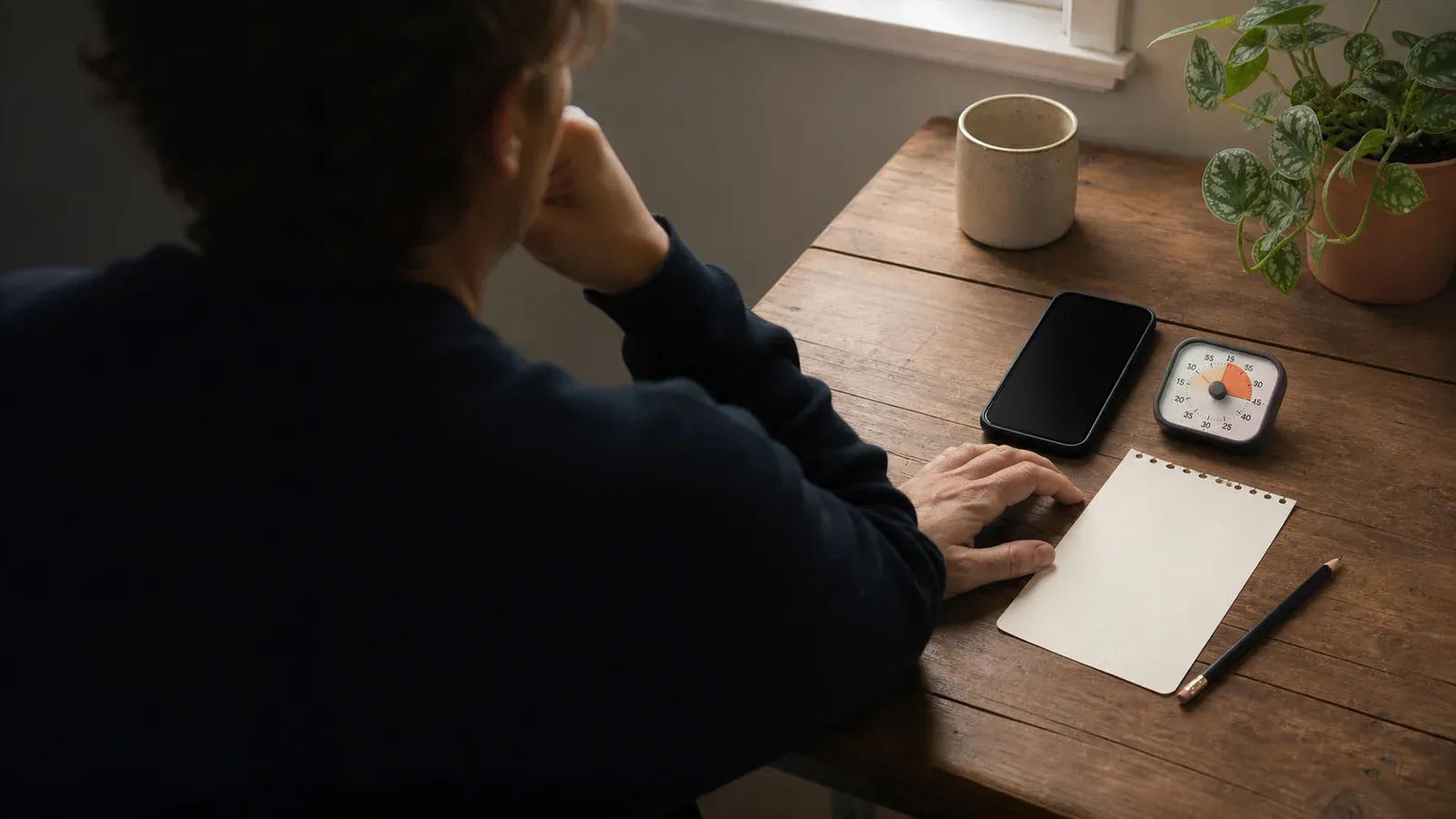
You’re probably a few lists deep by now. Every one has its own best app, which should tell you something. Here’s my take:
There is no single best app to limit phone use. There is a best app for your failure mode, the specific way your own limits break down.
Your failure mode is the part most lists skip. Say you downloaded a blocker once, felt bulletproof for a week, then overrode it during something urgent and never turned it back on… Which is a different problem from looking up at 11pm wondering where the evening went. Different failure modes call for different tools.
Start free: what Screen Time and Digital Wellbeing already do
The free built-in tools, Screen Time on iPhone and Digital Wellbeing on Android, are the right starting points, while paid apps make more sense once you know your failure mode. They’re screen time trackers and digital wellbeing dashboards in one. The tracker counts hours, opens, and notifications. The dashboard lays the numbers out so you can act on them.
Your phone already knows which app owns your evenings. It’s been keeping receipts.
App limits, Focus mode, Do Not Disturb, and Reduce Interruptions
On iPhone, Screen Time gives you usage reports, downtime schedules, app limits (a daily cap on an app or a whole category of apps), communication limits, and cross-device sync. Focus modes and Do Not Disturb silence interruptions on a schedule. On devices that support it, Reduce Interruptions filters for what matters. Apple’s version of batching notifications is Scheduled Summary: the non-urgent ones arrive in a few digests, at times you pick.
On Android, Digital Wellbeing tracks screen time, app opens, and notification counts. Per-app timers close the app when time runs out. An optional App limits PIN makes your own limits harder to lift. Android’s Focus mode and Do Not Disturb cover the interruption side.
Grayscale mode is free on both platforms. It strips the color from your screen, and color is more of a pull than you’d guess. It’s a good zero-cost friction layer under any tool here. And if it ruins your photos, turning it back off is free too.
That toolkit covers measurement, limits, and quiet. But it has one structural weakness.
Where built-in tools fall short: the override problem
Built-in limits are self-overridable by design. You set the rule, and you hold the key. At 11pm, turning off your app timer is a couple of taps. The person doing the tapping is the same person who made the rule.
According to Zimmermann, 2021, tracking your use alone doesn’t necessarily reduce it. In one randomized study of college students, self-set time limits produced smaller, gradual reductions that were not statistically distinguishable from control on average.
Overriding your own limits doesn’t make you broken. You were tired, the rule was optional, and you held the key. The fix takes one of two shapes: a lock you don’t hold the key to, or a pause that reaches the moment before the rule does.
The comparison: best apps by use case
How did these nine make the list? Apart from the built-in tools, they’re the apps that keep getting recommended, by people or through Googling: Opal, Freedom, one sec, ScreenZen, Forest, AppBlock, plus Memento Mode (our app).
Every app got the same six checks: mechanism, failure-mode match, price and free tier, platforms, strictness vs. autonomy, and published evidence.
Competitor prices were checked in August 2026. Memento Mode’s pricing was updated on October 11, 2026.
| App | Mechanism | Best for | Price and free tier | Platforms |
|---|---|---|---|---|
| Apple Screen Time | Built-in reports, app limits, schedules | First step: measurement plus first limits | Free, built-in | iOS, iPadOS, macOS |
| Google Digital Wellbeing | Built-in dashboard, per-app timers, App limits PIN | First step on Android | Free, built-in | Android (supported phones) |
| ScreenZen | Pause before opening, per-open limits, schedules, lock mode | Best fully free option | Completely free, donation-supported | iOS, macOS, Windows, Android |
| Freedom | Cross-device blocking sessions, schedules, Locked Mode | Distraction on phone and computer | Free plan; $8.99/mo; $3.33/mo billed yearly; $99.50 lifetime | Mac, Windows, iOS, Android, Chromebook |
| one sec | Friction pause before chosen apps open | Best-studied pause approach | Free core; Pro $19.99/yr (1-week trial); teams from $0.83/user/mo | iOS, Android, browser extension |
| Opal | App and website blocking, focus sessions, Deep Focus | Strict blocking (iOS-verified) | Free tier; Pro $8.29/mo billed annually ($99.99/yr); $399 lifetime | iPhone, Mac, Android |
| AppBlock | App, site, and keyword blocking; profiles by time, place, Wi-Fi; Strict Mode | Blocking tied to time and place | Freemium; Premium $4.99/mo or $29.99/yr (7-day trial); $89.99 lifetime | Android, iOS, extensions |
| Forest | Focus timer that grows a tree, plus Deep Focus blocking | Structured focus sessions | Free core; Plus $5.99/mo, from $32.49/yr | iOS, iPadOS, Android, extensions |
| Memento Mode (our app) | Real-time AI coaching when a monitored app opens; blocksets and a friction lock | Autopilot checkers who want coaching, not a lock | Free tier (full blocker + offline coach); $8.99/mo or $39.99/yr with a 7-day free trial on the annual plan. | Android; iOS coming soon |
Hard blockers and friction apps
App blockers make chosen apps unreachable for a period you set. Friction apps put a pause in the way instead of a wall. The difference: a wall works until you’re the one who can move it.
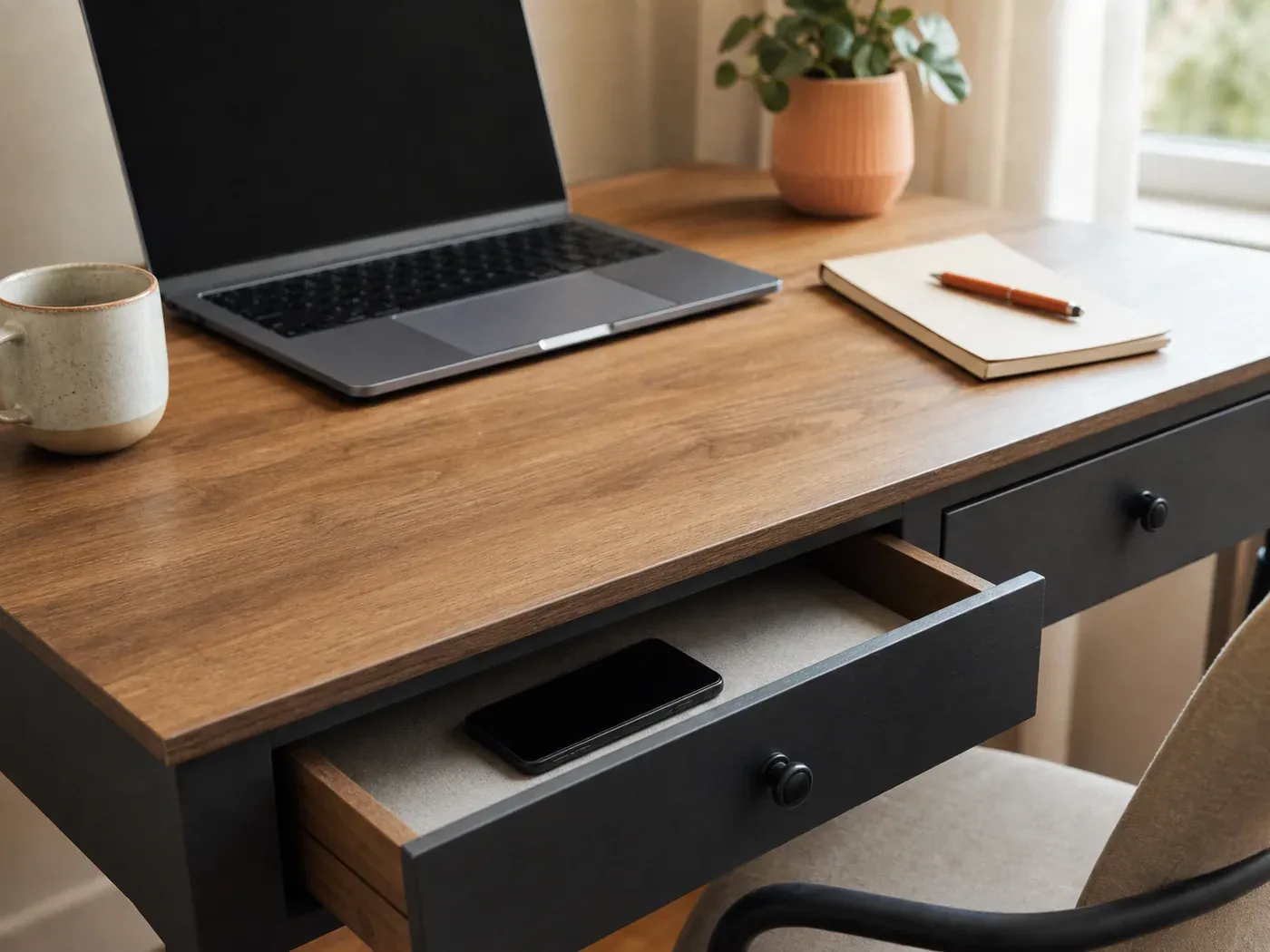
Freedom is the cross-device pick. One blocking session spans Mac, Windows, iOS, Android, and Chromebook. The distraction can’t migrate from phone to laptop. The free plan covers blocking and synced sessions. Scheduling is paid, and so is Locked Mode, which keeps you from ending a session early.
Opal is the strictness pick, on iPhone. Its Deep Focus no-bypass mode is iOS-verified only. The Android listing doesn’t carry the no-bypass wording, so don’t count on it there.
AppBlock blocks by circumstance. Profiles fire by time, day, location, or Wi-Fi network. Strict Mode adds a cooldown, plus optional third-party approval before a block lifts. Premium runs $4.99 a month or $29.99 a year with a 7-day trial, or $89.99 once for lifetime, all on its own pricing page.
ScreenZen is completely free, donation-supported. Configurable pauses before chosen apps open, per-open limits, scheduled blocks, a lock mode.
one sec is the best-studied pause option in the set. A peer-reviewed PNAS field experiment reported fewer target-app opening attempts and openings. One author is affiliated with the app publisher, so treat it as direct evidence with a potential commercial interest, not independent evidence. The core is free.
Forest turns a focus session into a tree. Leave mid-session and the tree dies. That suits defined work blocks more than all-day limits. It has published evidence too, but the cited study included only 26 participants and the review covering it calls the result inconclusive. Forest no longer sells its one-time Pro purchase. The paid tier is now a Plus subscription. Its App Store listing shows Early Bird pricing at $5.99 a month or from $32.49 a year.
Blocking and friction both assume the problem is access. If yours is that the time disappears without you noticing, start with measurement instead.
Trackers and dashboards
If your failure mode is time-blindness, the built-in screen time trackers and digital wellbeing dashboards are often all you need. They’re free.
One caveat carries over: seeing the number doesn’t reliably change it. A dashboard tells you where the time went. It can’t touch the reach itself.
The last mechanism aims at the reach and nothing else.
Real-time coaching, and where Memento Mode sits
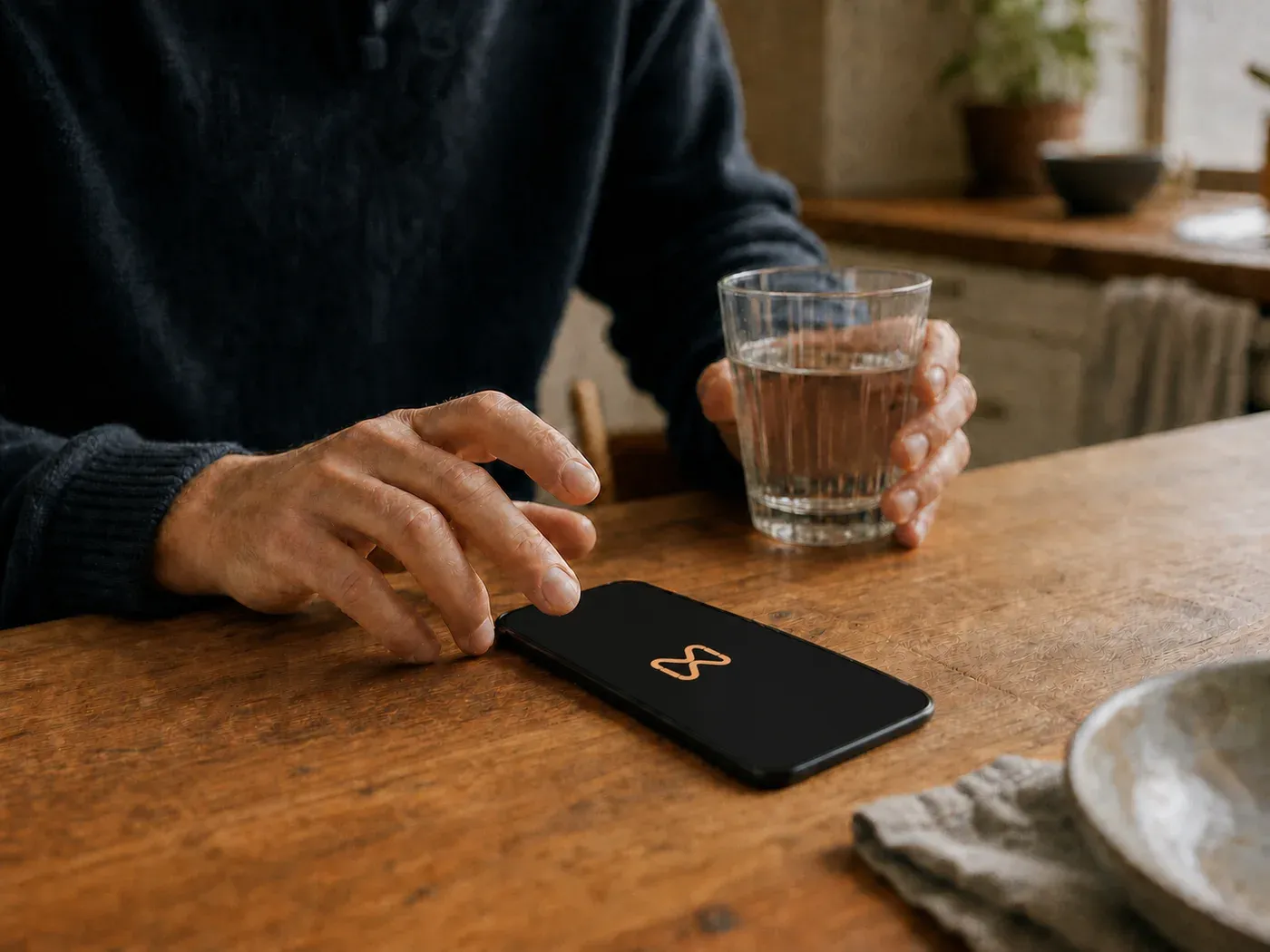
I built Memento Mode because I uninstalled every blocker I ever installed, and what I wanted didn’t exist: something to help me in those moments where my willpower was at its lowest. Not a lock, not a block, but a short conversation, in the moment, offering some understanding and a nudge to rethink the decision. It’s coaching, with tools to back it up.
And yes, that means one of the nine apps in this comparison is mine. I’m listing it here with the same rigor I apply to every other app. I want you to choose the right tool, not mine. Memento Mode is deliberately not un-bypassable, so if maximum strictness is what you want, Opal on iPhone or AppBlock’s Strict Mode is the better match. The fit for coaching is narrower: autopilot checkers who’ve already torn through hard blockers.
That’s all nine. Now match one to the way your last attempt ended.
How to choose: match the tool to your failure mode
Find the line that sounds like your failure mode:
- You override your own limits. Strictness: Opal’s Deep Focus (iOS), AppBlock’s Strict Mode, Freedom’s Locked Mode.
- You open apps on autopilot, before any decision happens. A moment-of-opening mechanism: one sec, ScreenZen, or Memento Mode.
- You’re time-blind, but numbers change your behavior. The built-ins: Digital Wellbeing and Screen Time.
- Your problem spans phone and computer. Freedom, or ScreenZen across its four platforms.
- You want zero cost. The built-ins and ScreenZen.
- You want structured focus sessions, not all-day limits. Forest or Freedom.
Not certain which line is yours? Check your dashboard. Pickups with short sessions point to autopilot checking. Big totals you didn’t notice point to time-blindness. A history of setting limits and then deleting them points to override-prone. Pick the matching mechanism and give it two weeks.
Whichever line you picked, the tool has a ceiling. The same one for all nine.
What no app fixes on its own
Every tool above works on the phone: blocking it, slowing it, measuring it. None of them changes what you’re reaching for. A category-level systematic review and meta-analysis found digital self-control tools have a small-to-medium effect on time spent on distractive technological sources, with limited long-term evidence.
So it is reasonable to use an app as one part of a broader plan, not the whole strategy. The other parts are quieter: turn off the notifications that cue checking, move tempting apps off your home screen, and decide ahead of time what fills the gap (a book, a walk, or a message to a real person).
Apps hold the line while those changes take root. We cover that broader habit work in our complete guide to reducing screen time.
A few loose ends, then you can go set something up.
FAQ
Are the free built-in tools enough? Your failure mode decides that, not your hours. If you’re time-blind, the built-ins’ tracking and app limits are often the whole answer. If you override your own rules or open apps on autopilot, the self-overridable design is the first thing to break. That’s when a third-party app starts earning its keep.
What’s the difference between a blocker, a tracker, and a coach? A blocker removes access for a set period. A tracker shows you where your time went without stopping it. A coach prompts you to reflect at the moment of opening, leaving the final decision with you. They map to override-prone, time-blind, and autopilot, in that order.
Which tools work across both phone and computer? Freedom has the widest verified coverage: Mac, Windows, iOS, Android, Chromebook. ScreenZen spans iOS, macOS, Windows, and Android. one sec and AppBlock add browser extensions.
Do these apps work long-term? The evidence is thin. The category review found limited long-term evidence, and no app here has long-term data worth leaning on. Treat any of them as scaffolding that holds as the habits underneath change.
Where do these prices come from? Official sources only, dated: each app’s own pricing page where one exists, and the App or Play Store listing where one doesn’t.
- Start free: Screen Time (iOS) or Digital Wellbeing (Android) for tracking, app limits, and first schedules.
- Built-in limits are self-overridable by design. If you keep tapping through your own limits, change mechanisms instead of repeating the attempt.
- Strictness: Opal Deep Focus (iOS-verified), AppBlock Strict Mode, Freedom Locked Mode. Cross-device: Freedom. Fully free: ScreenZen. Focus sessions: Forest. Moment-of-opening: one sec, ScreenZen, or Memento Mode’s coaching (ours).
- Competitor prices checked in August 2026: Freedom $8.99/mo, $3.33/mo billed yearly, or $99.50 one-time; Opal Pro $8.29/mo billed annually or $399 lifetime; ScreenZen free; one sec Pro $19.99/yr; AppBlock Premium $4.99/mo, $29.99/yr, or $89.99 lifetime; Forest Plus $5.99/mo or from $32.49/yr.
- Memento Mode pricing, updated October 11, 2026: the free tier includes the full blocker and offline coach. Paid plans are $8.99/month or $39.99/year, with a 7-day free trial on the annual plan.
- No app in this set has strong long-term evidence. Use one as part of a broader plan.
There was never a single best app. Just the one built for the way you fail.
A pause that arrives before the scroll does.
Memento Mode opens the second you tap one of the apps that pull you in, and asks what you're actually after.

Nicholas Li is the founder of Memento Mode. He averaged seven hours a day on his phone at his worst and overrode every blocker he installed.


Sources
- Laura Zimmermann. “Your Screen-Time App Is Keeping Track”: Consumers Are Happy to Monitor but Unlikely to Reduce Smartphone Usage. Journal of the Association for Consumer Research (2021).
- Laura Zimmermann and Michael Sobolev. Digital Strategies for Screen Time Reduction: A Randomized Field Experiment. Cyberpsychology, Behavior, and Social Networking (2023).
- David J. Grüning, Frederik Riedel, and Philipp Lorenz-Spreen. Directing smartphone use through the self-nudge app one sec. Proceedings of the National Academy of Sciences (2023).
- Alberto Monge Roffarello and Luigi De Russis. Achieving Digital Wellbeing Through Digital Self-Control Tools: A Systematic Review and Meta-Analysis. ACM Transactions on Computer-Human Interaction (2023).